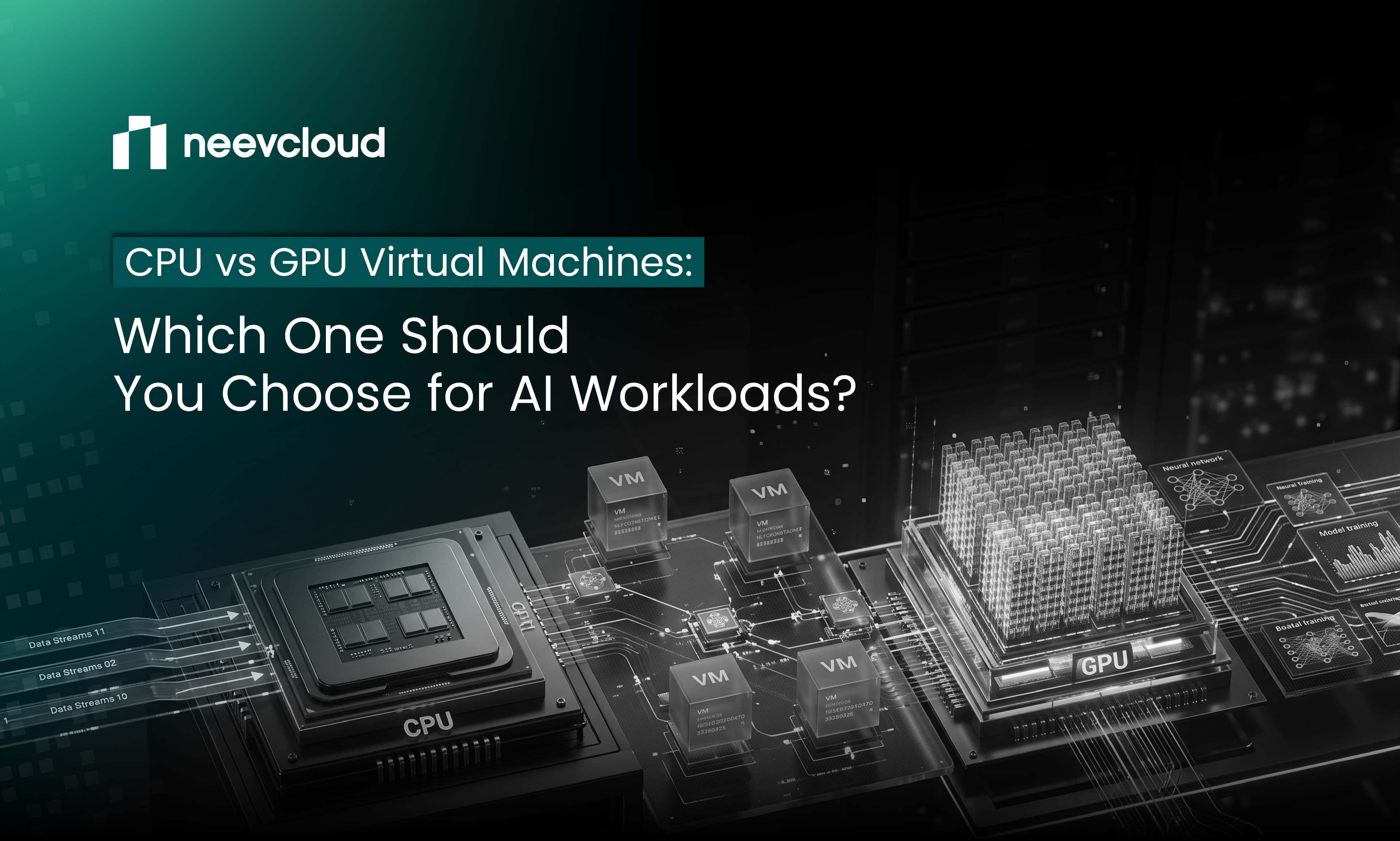
CPU vs GPU Virtual Machines: Which One Should You Choose for AI Workloads?
TL;DR
Not every AI workload benefits from GPU acceleration. Training, fine-tuning, and high-throughput inference need it. Preprocessing, APIs, and databases don't.
CPU virtual machines are the right default for general-purpose compute, ETL, orchestration, evaluation, and lightweight inference that never touches CUDA.
GPU virtual machines earn their price only when the framework uses parallel acceleration through CUDA, vLLM, TGI, or Triton.
Most production AI stacks run both. A hybrid CPU + GPU architecture on one platform is usually cheaper and easier to operate than picking a side.
NeevCloud's virtual machine service runs CPU and GPU AI virtual machines side by side with shared networking, storage, and per-minute billing.
Don’t Pay for GPU Compute You Don’t Need
Teams often provision GPU virtual machines for the entire AI pipeline out of habit. The data preprocessing runs on a rented H100. The API sits on GPU memory it never touches. The database burns through hours priced for tensor cores. This isn't rare, it's the default failure mode when a team hasn't separated "AI workload" from "workload that needs GPU acceleration."
The question worth asking is narrower: which parts of the pipeline actually invoke GPU acceleration?

What is a CPU Virtual Machine?
A CPU virtual machine is a cloud virtual machine backed by general-purpose processor cores. It handles sequential logic, I/O, and memory-bound work well. For AI teams, that covers a bigger surface area than most quick estimates suggest: data ingestion and preprocessing, ETL, feature engineering, API and backend services, databases, model evaluation without CUDA kernels, orchestration layers, development environments, and CI runners.
What is a GPU Virtual Machine?
A GPU virtual machine attaches one or more GPUs to the VM alongside CPU cores. GPUs pack thousands of smaller cores designed for parallel arithmetic, which is why they accelerate the matrix operations at the core of deep learning. GPU VMs are the right home for LLM training, fine-tuning, computer vision pipelines, generative AI, and production inference served through vLLM, TGI, Triton Inference Server, or TorchServe.
CPU VM vs GPU VM: The Differences That Matter
| Factor | CPU VM | GPU VM |
|---|---|---|
| Compute type | CPU cores | CPU cores + GPU acceleration |
| Best for | General-purpose workloads | AI/ML acceleration |
| Data preprocessing | Excellent | Usually unnecessary |
| LLM training | Not viable at scale | Recommended |
| LLM inference | Lightweight only | High throughput |
| APIs and backend | Excellent | Overkill |
| Database workloads | Excellent | Usually unnecessary |
| Deep learning | Limited | Excellent |
| Cost efficiency | Wins for CPU workloads | Wins when acceleration is required |
When a CPU VM Is The Right Call
Reach for a CPU VM when the workload doesn't touch CUDA. That includes preprocessing large datasets, running APIs or backend services, managing databases, evaluating models without GPU-intensive computation, and standing up dev environments or CI runners. Lightweight inference (small models, low request rates, no batching pressure) also fits here.
When a GPU VM Earns its Cost
Pick a GPU VM when the framework calls CUDA, when you're training or fine-tuning deep learning models, when inference throughput matters at scale, when the workload is computer vision or generative AI, or when CPU processing has already become the bottleneck.
Most Real AI Stacks Use Both
A production AI pipeline usually looks like this:

Running both compute types on one platform matters because it avoids cross-provider egress, keeps latency between the API tier and the inference tier low, and lets one team manage networking, storage, and security policies instead of two.

A Five Question Decision Framework
Does my workload invoke CUDA?
Am I training or fine-tuning a model?
Am I serving GPU-accelerated inference at scale?
Is the work mostly API, database, preprocessing, or orchestration?
Do I need both compute types in the same application?
If the first three are "no," a CPU VM is enough. If the fifth is "yes," you want both compute types on the same cloud, not stitched across two.
Cost Optimisation: Use GPUs Only When You Need Them
One of the simplest ways to reduce AI infrastructure costs is to avoid using GPU compute for workloads that don't need it. Tasks such as data preprocessing, APIs, databases, and orchestration can run efficiently on CPU VMs, while GPU VMs can be reserved for compute-intensive workloads like model training, fine-tuning, and inference.
This approach helps you get more value from your GPU resources while keeping overall infrastructure costs under control. NeevCloud's VM Service offers per-minute billing for short-term workloads, along with reserved pricing for long-running workloads, giving you flexibility to choose the pricing model that fits your workload.
Why One Platform for Both
NeevCloud's VM Service runs CPU and GPU virtual machines on shared networking and storage, with full root access, Linux support, optional GPU attachment, per-minute billing, and reserved pricing. The API tier talks to the inference tier over a private network instead of a public one. The finance team sees one bill instead of two. Security policies are set once, not twice.
The Real Question
The question was never "CPU or GPU?" It's "which part of my workload needs GPU acceleration?" Answer that, and the architecture writes itself: CPU compute for the supporting layers, GPU compute for the accelerated ones, both on one platform when the application needs them together.
Build your AI workload with CPU and GPU compute on one platform.
Explore NeevCloud VM Service →
FAQs
Can I run LLM inference on a CPU VM?
Yes, for small models or low request volumes. Anything that needs batching, high throughput, or larger models belongs on a GPU VM.
Do I need a GPU VM for data preprocessing?
No. Preprocessing is CPU and I/O bound. A GPU adds cost without adding speed.
What's the fastest way to reduce AI infrastructure spend?
Move every non-GPU workload (APIs, databases, preprocessing, orchestration) off GPU VMs and onto CPU VMs. Keep GPU compute for CUDA-accelerated work only.
Can CPU and GPU VMs share storage and networking on NeevCloud?
Yes. NeevCloud's Virtual Machine Service is built to run both compute types on the same platform with shared networking, shared storage, and unified security policies.
Are GPU VMs always faster than CPU VMs for AI?
Only when the workload uses GPU acceleration. For sequential logic, APIs, and databases, CPU VMs are faster in practice and considerably cheaper.